
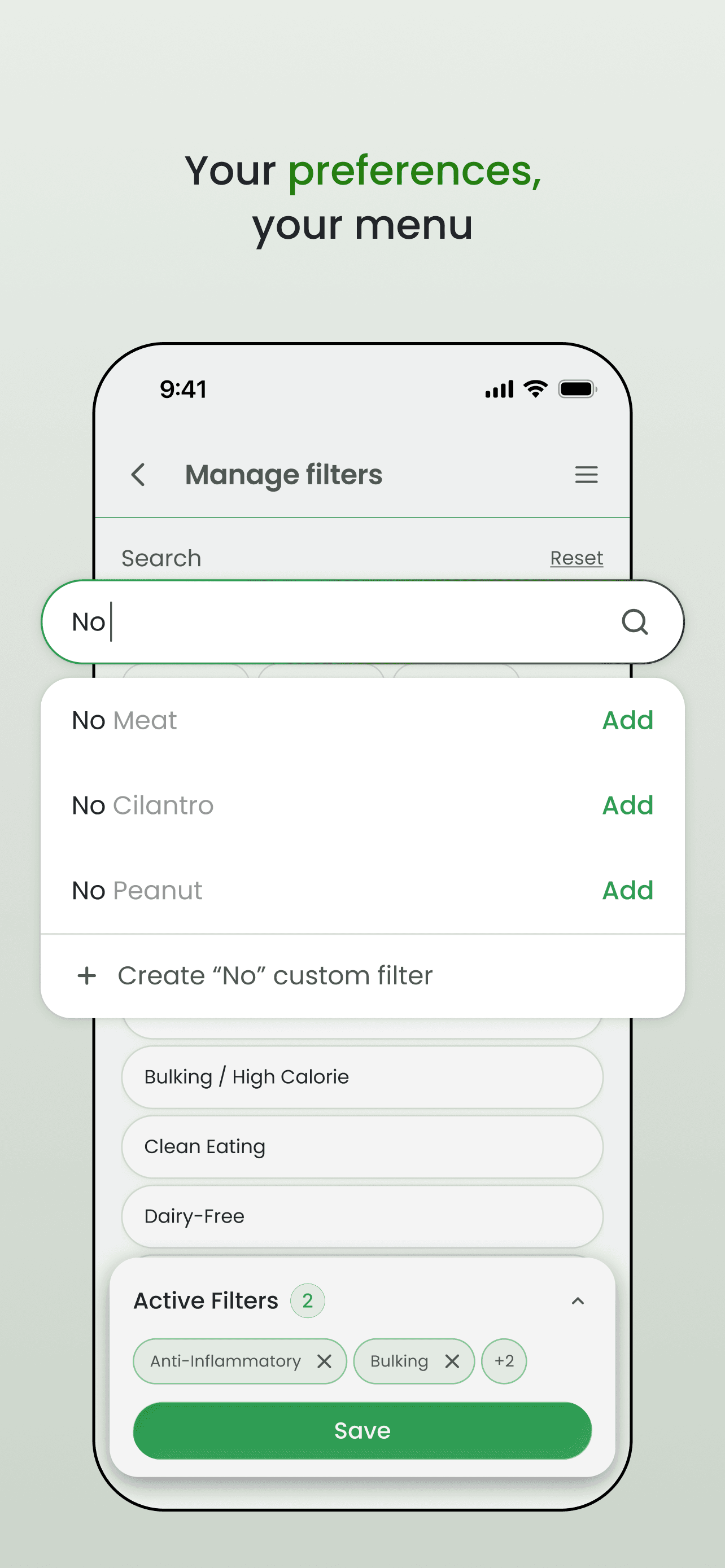
Add your filters
Select allergies, diets, dislikes, cravings, and custom ingredient rules so Omealo understands how you eat.
 OMEALO
PERSONALIZED MENU DECISIONS
Menus are made for everyone. Omealo makes them personal - showing what fits your dietary preferences, restrictions, and goals.
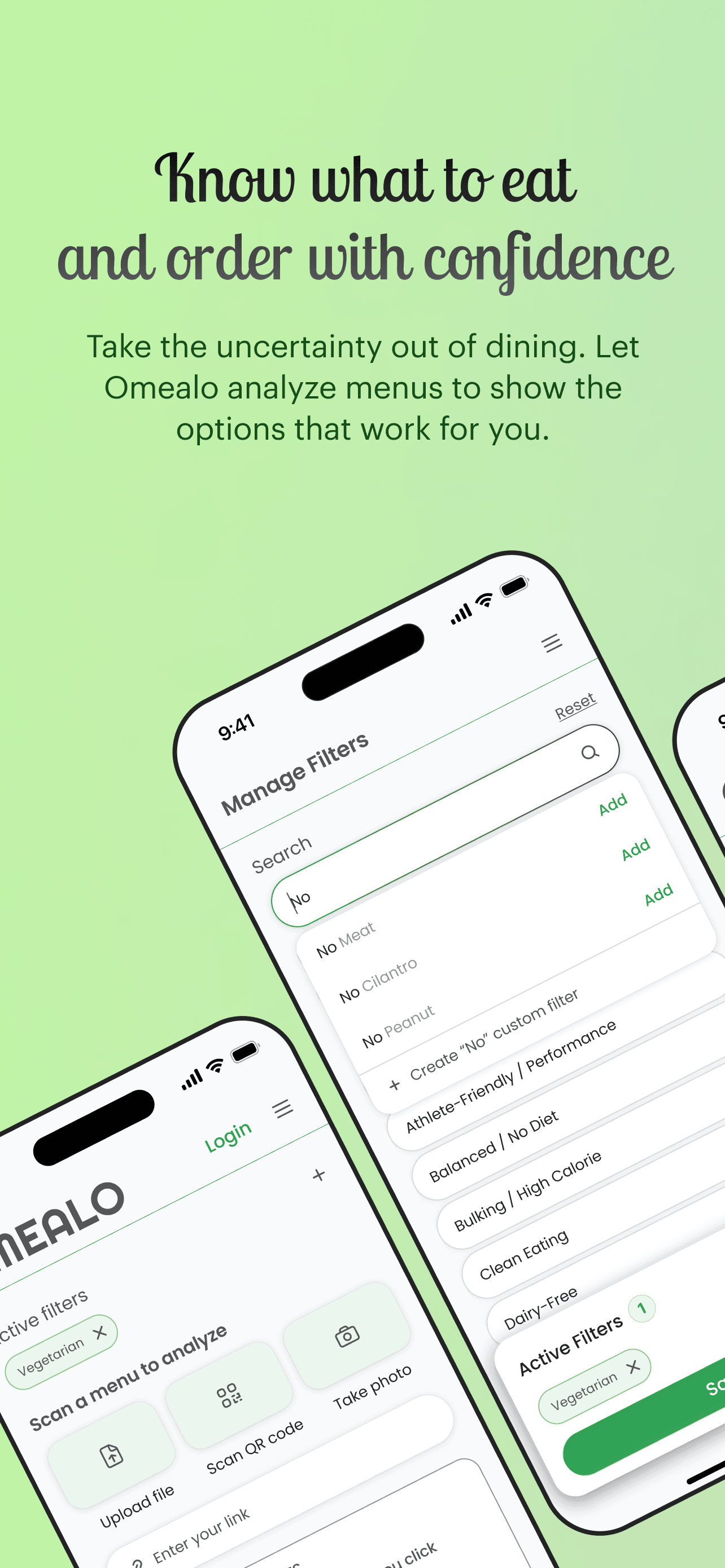
How to use Omealo
Select allergies, diets, dislikes, cravings, and custom ingredient rules so Omealo understands how you eat.
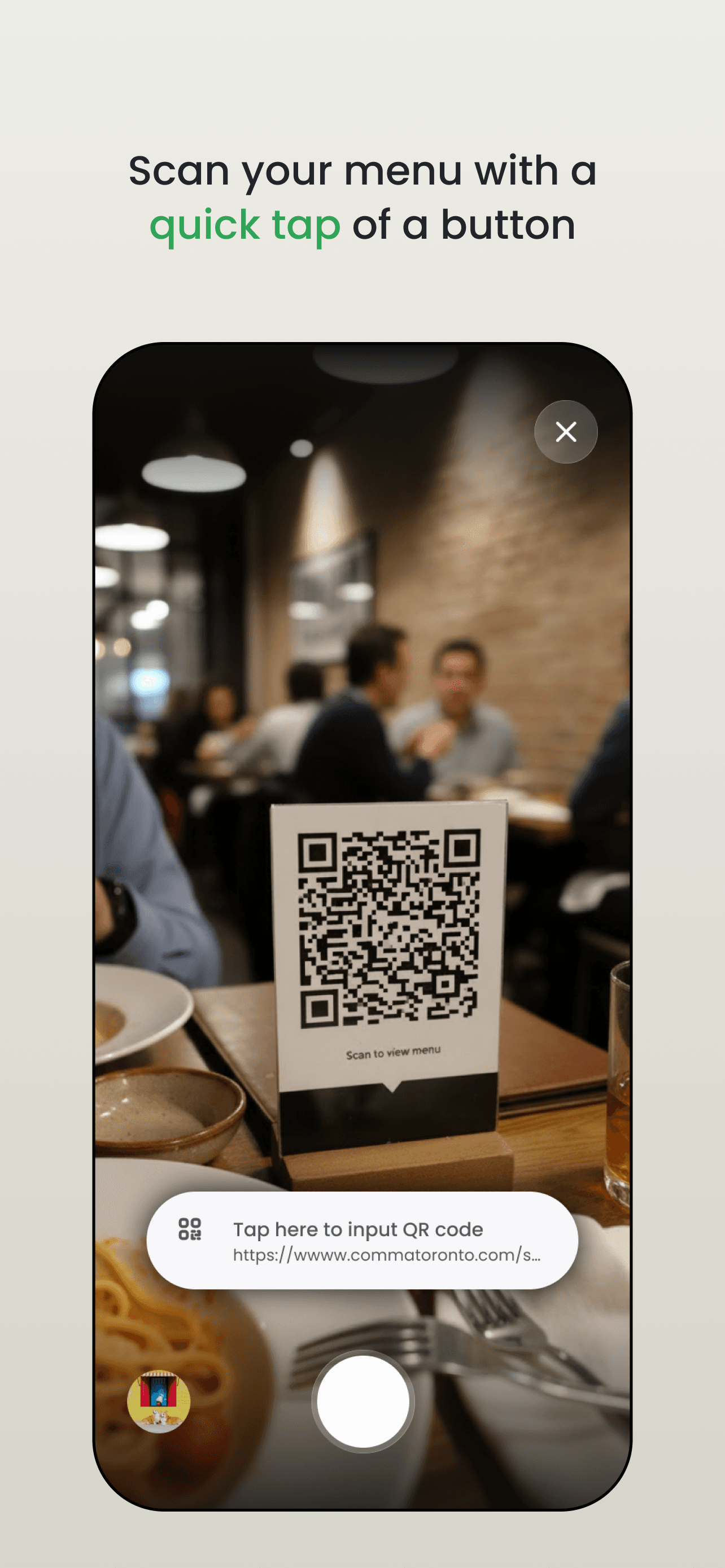
Take a photo, scan a QR code, paste menu text, or open a menu link.
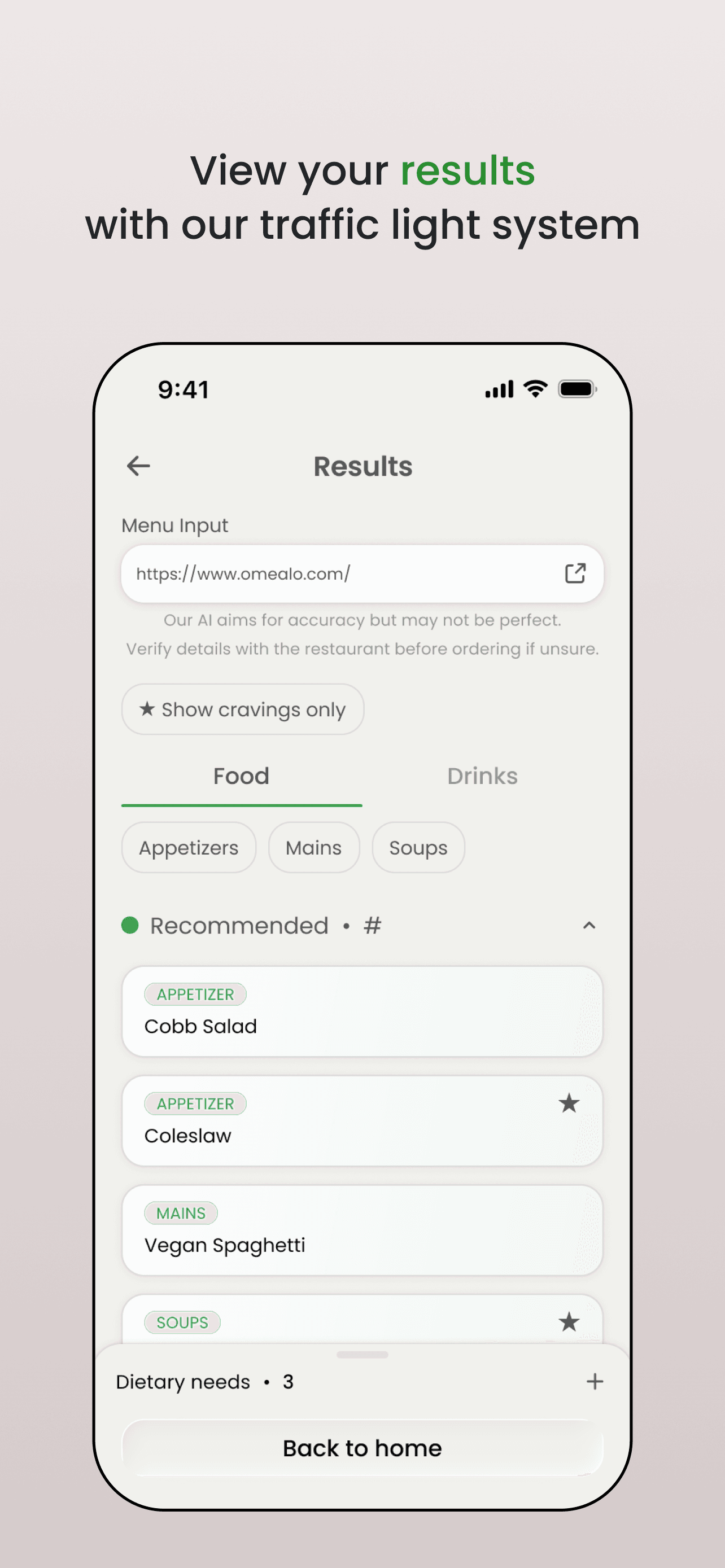
Omealo checks the menu against your filters and shows what looks like a good fit, what to check first, and what to avoid.
Use the suggestions to ask better questions, request substitutions, or choose a safer option.
What you get back
Omealo does more than give a score. It shows what fits, what to ask about, and what to avoid - so you can make a quick decision before ordering.
No dairy, meat, shellfish, or peanut ingredients detected from the menu text.
Likely contains sesame oil. Ask whether it can be prepared with another dressing.
Contains peanut sauce, so it likely conflicts with your selected preferences.
Why it matters
Shows uncertainty instead of hiding it.
Keeps the user's personal rules visible in the decision.
Turns complicated ingredient lists into direct next steps.
For restaurants
Guests can check common dietary concerns before ordering, so staff spend less time answering the same menu questions.
Turn your existing menu into a clearer guide for guests with allergies, dietary restrictions, and strong preferences.
FAQ
Omealo helps you understand restaurant menus based on your dietary preferences, restrictions, and goals.
You can scan or upload a menu, and Omealo uses AI to highlight which dishes may be a good fit, which ones need a closer look, and which ones may not match your selected preferences.
Think of it as a personalized menu guide that helps you know what to order before you order.
Omealo reads menu information and compares each dish against the preferences you select, such as gluten-free, dairy-free, vegetarian, vegan, keto, low-carb, no added sugar, and more.
Results are shown using a simple traffic-light style system:
Omealo may also highlight dishes that match positive preferences, such as spicy, high-protein, avocado, seafood, or other foods you want to find.
Download Omealo from the App Store, create your preferences, and scan a restaurant menu.
You can use Omealo when dining out, browsing a menu online, or deciding what to order before you arrive at a restaurant.
Restaurant menus are made for everyone. Omealo makes them personal.
Instead of scrolling through a menu and guessing what fits your needs, Omealo helps you quickly understand which dishes match your preferences and which ones may require caution.
Our goal is to make dining out feel easier, clearer, and more confident - especially for people with dietary restrictions, food goals, or specific eating preferences.
No. Omealo is an informational tool and should not be used as medical, allergy, or safety advice.
AI can make mistakes, and restaurant ingredients or preparation methods can change. If you have a serious allergy, medical condition, or strict dietary requirement, always confirm directly with the restaurant before ordering.
“Check” means Omealo found something that may need confirmation.
For example, a sauce, dressing, broth, marinade, or topping may contain an ingredient that affects your selected preferences, but the menu does not provide enough detail to say for sure.
It does not always mean the dish is unsafe or unsuitable - it means you may want to ask the restaurant before ordering.
Omealo currently offers a free version so users can try the app and scan menus.
We may introduce paid plans or premium features in the future, but our goal is to keep Omealo affordable and useful for everyday dining.
Omealo is for anyone who wants more clarity when ordering food.
It can be helpful for people who follow specific diets, avoid certain ingredients, manage food sensitivities, or simply want help finding menu items that better match their preferences.
Omealo is currently focused on helping consumers make better menu decisions.
In the future, we may explore restaurant partnerships, menu intelligence tools, or business-facing features that help restaurants make their menus easier to understand for different types of diners.
You can reach us at omealoapp@gmail.com.
We’re always open to feedback, questions, partnership opportunities, and suggestions for improving the app.
We are collaborative, transparent, and respectful of people’s time.
Whether we are working with users, partners, restaurants, or team members, we value clear communication, thoughtful feedback, and building something useful with care.